
ARTICLE
Using chrome.storage as a License State Cache
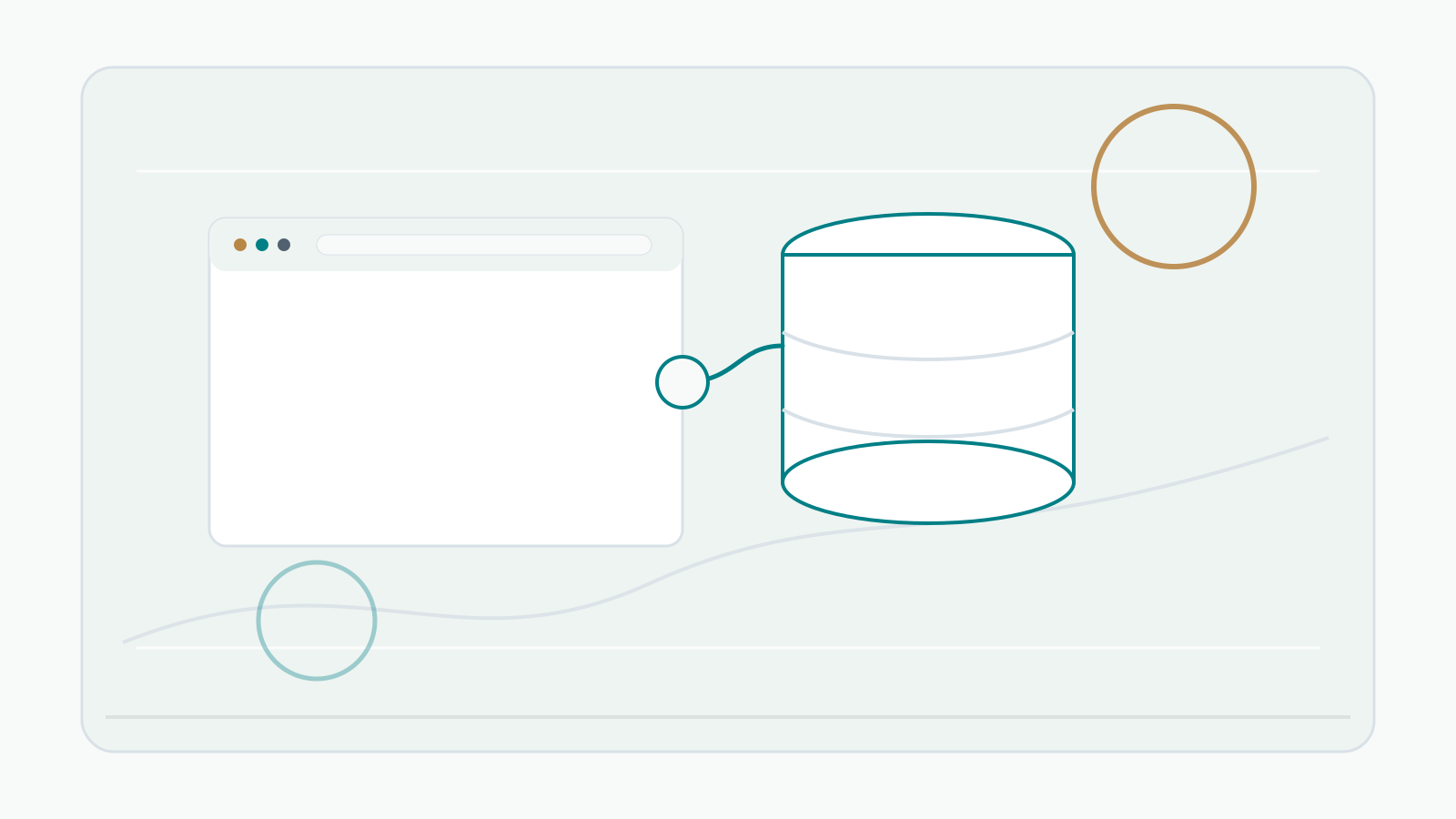
chrome.storage is the practical place to keep small extension state. It can be accessed from extension contexts such as popup, options page, and service worker, which makes it a good fit for settings and cached entitlement state.
For a paid extension, store license-related information as cache, not authority. A useful cache might include the entered license key, the last validation result, the last validation time, the visible plan name, and feature flags returned by your API.
The server should remain the source of truth. Refunds, cancellations, expired subscriptions, revoked keys, and activation limits need to be decided by your backend or billing system. Local storage is easy to read and should never be treated as permanent proof of payment.
A simple split works well:
chrome.storage.local: saves the key, last check result, display state, and UI settings.- Cloudflare Worker API: validates the key and returns the current entitlement.
- Polar.sh: manages purchase, benefit, license key, and customer state.
- Extension UI: reads cached state quickly and refreshes it when needed.
Choose validation timing intentionally. You can refresh when the popup opens, after browser startup, before premium work runs, or after a cache age limit. Every request is not necessary, but a cache that never refreshes is not a license system.
Keep stored data small. Do not store payment details or page content for license checks. Avoid logging full license keys, and show only partial keys in support UI when possible.
References
- Chrome Extensions Get started: https://developer.chrome.com/docs/extensions/get-started/
- Chrome Extensions Declare permissions: https://developer.chrome.com/docs/extensions/develop/concepts/declare-permissions
- Chrome Extensions Storage API: https://developer.chrome.com/docs/extensions/reference/api/storage
- Chrome Web Store Program Policies: https://developer.chrome.com/docs/webstore/program-policies/policies
- Chrome Web Store User Data FAQ: https://developer.chrome.com/docs/webstore/program-policies/user-data-faq
- Polar Documentation: https://docs.polar.sh/
- Polar Webhook Endpoints: https://polar.sh/docs/integrate/webhooks/endpoints
- Polar Automated Benefits: https://docs.polar.sh/features/benefits/introduction