
ARTICLE
Design Chrome Extension Permissions Before You Ship
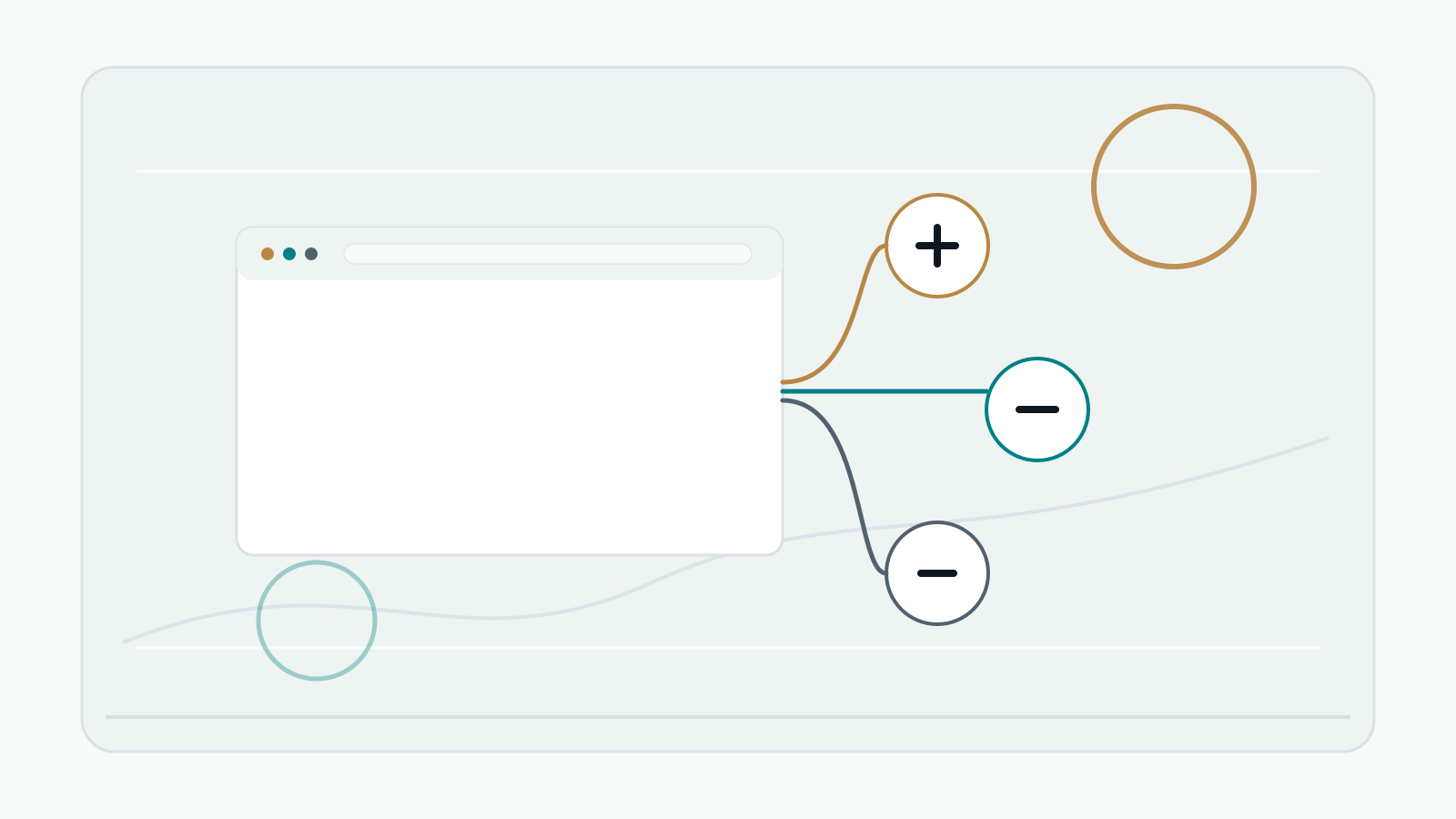
Permission design is product design. It affects install warnings, user trust, review risk, privacy disclosures, and the shape of the extension itself.
Chrome extensions declare API permissions, host permissions, and optional permissions in the manifest. Some permissions enable Chrome APIs such as storage. Host permissions allow access to websites. Optional permissions let you request access later, closer to the moment a feature needs it.
Avoid starting with broad access such as every website. If the extension only works on one domain, declare that domain. If a feature only runs when the user clicks a button on the active tab, activeTab may be enough.
A good way to design permissions is to write each feature as a sentence. Then list the exact data and browser access that feature needs. Anything not tied to a product behavior should be removed.
Paid extensions also need discipline around billing data. License validation rarely requires page content, browsing history, or payment details. The extension can send a license key, extension version, and a minimal activation identifier to your server without collecting unrelated browsing data.
Your store listing, privacy policy, and in-extension UI should explain the same permission story. If the description says the extension only validates a license, but the manifest requests broad page access, users and reviewers will notice.
Chrome Extension Kit gives you a starting structure, not final permissions for every product. Before publishing, reduce the manifest to the access your extension actually needs.
References
- Chrome Extensions Get started: https://developer.chrome.com/docs/extensions/get-started/
- Chrome Extensions Declare permissions: https://developer.chrome.com/docs/extensions/develop/concepts/declare-permissions
- Chrome Extensions Storage API: https://developer.chrome.com/docs/extensions/reference/api/storage
- Chrome Web Store Program Policies: https://developer.chrome.com/docs/webstore/program-policies/policies
- Chrome Web Store User Data FAQ: https://developer.chrome.com/docs/webstore/program-policies/user-data-faq
- Polar Documentation: https://docs.polar.sh/
- Polar Webhook Endpoints: https://polar.sh/docs/integrate/webhooks/endpoints
- Polar Automated Benefits: https://docs.polar.sh/features/benefits/introduction